


How to Make Website WCAG Compliant?
Web accessibility is no longer optional in the modern digital landscape. As governments, organizations, and technology companies continue to emphasize digital inclusion, websites must be designed in a way that allows everyone to access information and services regardless of physical or cognitive limitations.
Millions of people around the world rely on assistive technologies such as screen readers, voice commands, keyboard navigation, and adaptive devices to interact with digital platforms. When websites are not designed with accessibility in mind, these users are effectively excluded from participating in online services.
Ensuring that your website is accessible to all users including people with disabilities is both an ethical responsibility and an increasingly important legal requirement in many parts of the world.
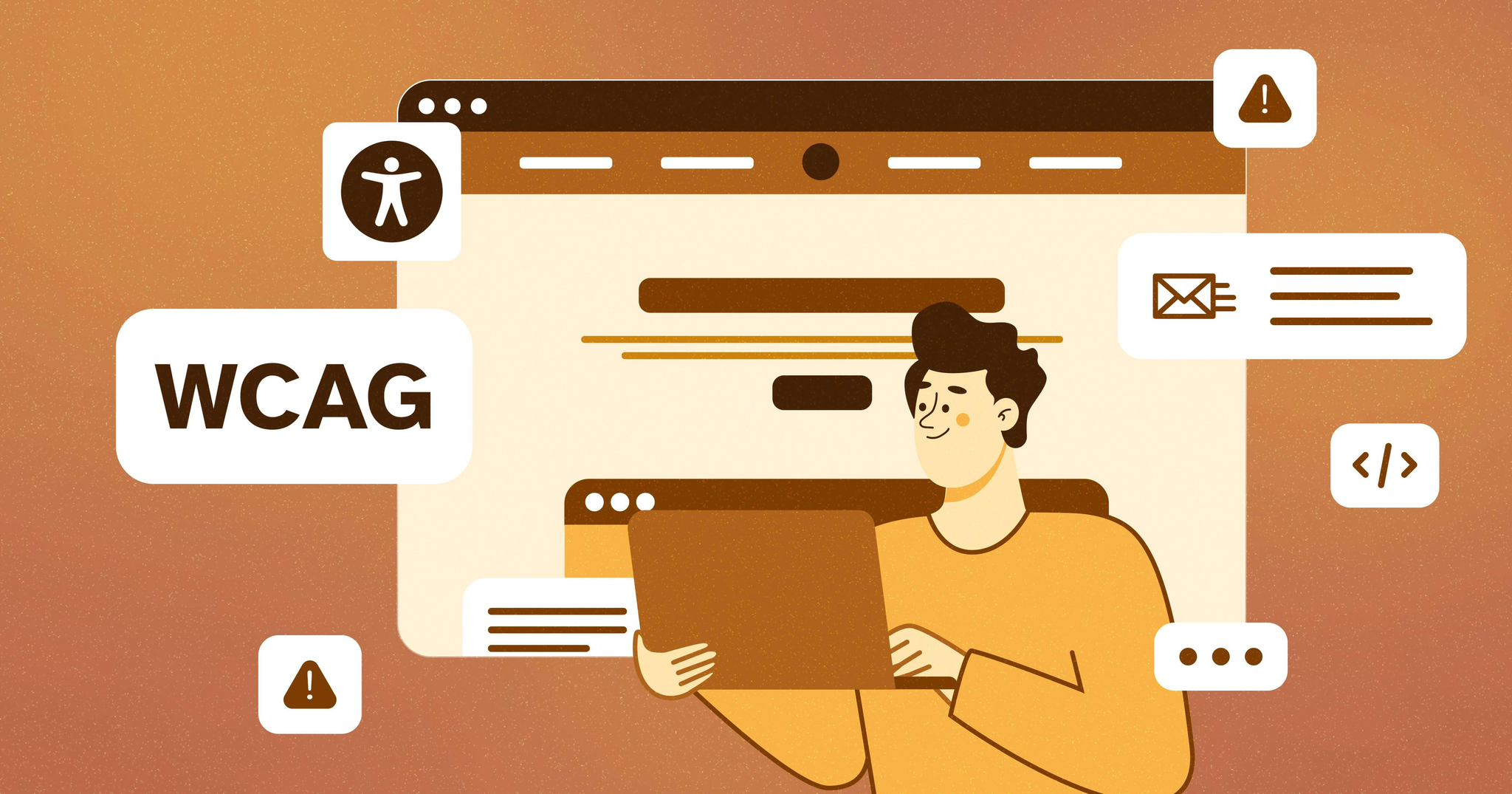
The Web Content Accessibility Guidelines (WCAG) provide an internationally recognized framework for making websites accessible to people with visual, auditory, physical, speech, cognitive, language, learning, and neurological disabilities.
Organizations that prioritize accessibility benefit in multiple ways. Not only do they comply with international standards and regulations, but they also improve overall user experience, search engine optimization (SEO), usability, and brand reputation.
An accessible website ultimately creates a better experience for every user, not just those with disabilities.
What is WCAG?
WCAG stands for Web Content Accessibility Guidelines, a set of recommendations developed by the World Wide Web Consortium (W3C) through its Web Accessibility Initiative (WAI).
The purpose of WCAG is to create a universal standard that helps designers, developers, and organizations build websites and applications that are accessible to everyone.
The guidelines are organized around four fundamental principles, often abbreviated as POUR.
1. Perceivable
Information and user interface components must be presented in ways that users can perceive.
This means users should be able to see, hear, or otherwise interpret the content, regardless of their abilities. For example, a visually impaired user may rely on a screen reader to interpret text, while a hearing-impaired user may require captions for video content.
Examples of perceivable design include:
• Alternative text for images
• Subtitles or captions for videos
• Clear color contrast between text and background
• Content that can be resized without losing functionality
2. Operable
Users must be able to navigate and interact with the interface.
Some users cannot use a mouse and instead rely entirely on keyboard navigation or assistive devices. If interactive elements such as menus, forms, or buttons cannot be accessed through keyboard controls, those users are unable to interact with the website.
Examples of operable features include:
• Full keyboard navigation
• Logical tab order between elements
• Avoiding flashing content that may trigger seizures
• Providing sufficient time to read and interact with content
3. Understandable
Information and user interface behavior must be easy to understand.
Websites should use clear language, predictable navigation structures, and consistent layouts so users can easily find what they are looking for.
Examples include:
• Clear instructions in forms
• Consistent navigation menus
• Simple and readable language
• Helpful error messages when users make mistakes
4. Robust
Content must be robust enough to work with a wide variety of devices and assistive technologies.
As technology evolves, websites should remain compatible with new browsers, screen readers, and accessibility tools.
Examples include:
• Proper HTML structure
• Standards-compliant code
• Compatibility with assistive software
• Responsive design for different devices
Key Steps to Make Your Website WCAG Compliant
While achieving full WCAG compliance may require technical expertise, there are several essential practices that organizations should implement immediately.
1. Provide Alternative Text for Images
Images play a critical role in modern web design, but visually impaired users cannot interpret images without assistance. Screen readers rely on alternative text (alt text) to describe images to users. This text should clearly explain the purpose or meaning of the image.
For example:
Effective alt text should:
• Describe the meaning of the image
• Avoid unnecessary words like “image of” or “picture of”
• Provide context relevant to the page content
If an image is purely decorative, it can use an empty alt attribute so screen readers ignore it.
2. Ensure Proper Color Contrast
Color contrast is critical for users with visual impairments, including color blindness.
Text that blends too closely with the background becomes difficult to read. WCAG provides specific contrast ratios to ensure readability.
Recommended ratios include:
Normal text: 4.5:1 contrast ratio
Large text: 3:1 contrast ratio
Proper contrast improves readability not only for disabled users but also for people viewing content in bright sunlight or on small screens.
Tools such as contrast checkers can help developers test their designs.
3. Enable Keyboard Navigation
Many users rely on keyboards instead of a mouse to navigate websites.
A WCAG-compliant website must allow users to access all interactive elements using keyboard controls.
Key requirements include:
• All links and buttons must be reachable via the Tab key
• Interactive elements should have visible focus indicators
• Navigation order should be logical and predictable
• Users should be able to skip repetitive content such as navigation menus
Keyboard accessibility greatly improves usability for users with mobility impairments.
4. Use Clear Heading Structures
Proper heading structures make websites easier to navigate for both users and assistive technologies.
Screen readers use headings to allow users to quickly jump between sections of a page.
Correct heading hierarchy should follow this structure:
H1 – Main page title
H2 – Main sections
H3 – Subsections
H4 – Supporting sections
Skipping heading levels or using headings purely for visual styling can confuse assistive technologies.
Clear heading structures also improve SEO performance, helping search engines better understand page content.
5. Provide Captions and Transcripts
Multimedia content must be accessible to users with hearing impairments.
Videos should include captions that display spoken dialogue and relevant sounds. Audio content should include transcripts that allow users to read the information.
Captions benefit a wide range of users, including:
• People with hearing impairments
• Users in noisy environments
• Users watching videos without sound
• Non-native language speakers
Accessible multimedia ensures information can be consumed in multiple formats.
Additional Accessibility Best Practices
Beyond the core steps above, organizations should consider additional accessibility improvements.
Use Accessible Forms
Forms should include:
• Clear labels for each field
• Helpful instructions
• Accessible error messages
• Logical tab order
Users should always know what information is required and how to correct errors.
Avoid Automatic Content Changes
Automatically changing content, such as sliders or popups, can confuse users and assistive technologies.
If dynamic content is used, users should be able to pause, stop, or control it.
Ensure Mobile Accessibility
Modern websites must be accessible on mobile devices as well.
Responsive design ensures that content remains readable and usable across different screen sizes.
Benefits of WCAG Compliance
Organizations that invest in accessibility gain significant advantages beyond compliance.
Improved User Experience
Accessible websites are easier to navigate, faster to understand, and more user-friendly for everyone.
Better Search Engine Optimization
Search engines favor websites with clear structure, proper headings, descriptive alt text, and well-organized content.
Many accessibility improvements directly improve SEO rankings.
Legal and Regulatory Compliance
Many countries have introduced accessibility regulations that require organizations to meet WCAG standards.
Failure to comply can result in legal risks and reputational damage.
Wider Audience Reach
Globally, more than one billion people live with some form of disability. Accessible websites ensure these users can access your services.
This also expands your potential customer base.
Stronger Brand Reputation
Organizations that prioritize inclusivity demonstrate social responsibility and commitment to equal access.
This strengthens trust among users and partners.
Conclusion
Accessibility is about creating a digital environment that works for everyone. By implementing WCAG standards, organizations ensure their websites are inclusive, user-friendly, and future-ready.
Accessible design benefits not only users with disabilities but also improves the overall usability, performance, and effectiveness of digital platforms.
As technology continues to evolve, accessibility will remain a fundamental component of responsible web development.
Organizations that invest in accessible design today position themselves to build more inclusive and sustainable digital experiences for the future.